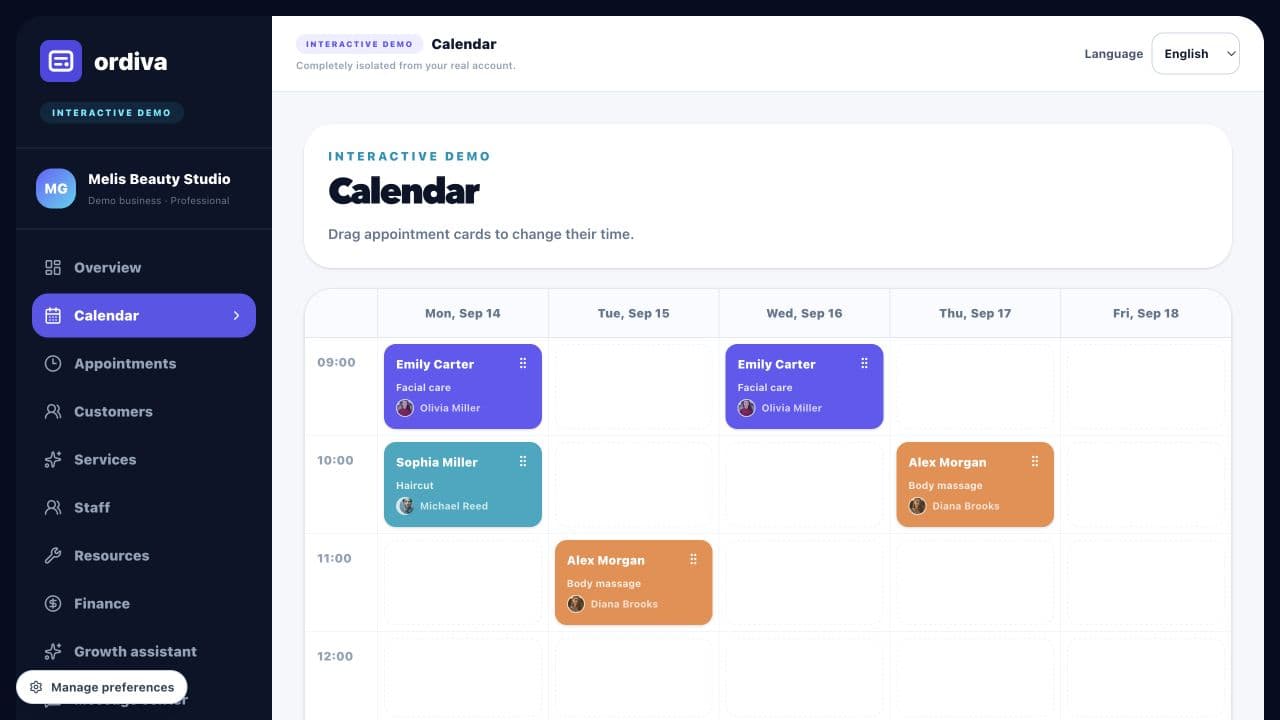
Define services and time
Separate a quick wash, interior detailing and a longer polishing job. Reserve the complete working time rather than giving every service the same duration.
ORDIVA
Plan detailing jobs around service duration, staff and available work bays.
Account creation and plan selection happen in the mobile app; the web panel opens when your account is ready.
Ordiva panel
09:30 · Haircut
Customer and staff information in one view
10:30 · Facial care
Customer and staff information in one view
13:00 · Body massage
Customer and staff information in one view
15:30 · Manicure
Customer and staff information in one view

Ordiva is now on Android
Scan with your Android phone’s camera to open Ordiva on Google Play.
MAKE YOUR BUSINESS EASIER
Separate a quick wash, interior detailing and a longer polishing job. Reserve the complete working time rather than giving every service the same duration.
Represent each shared bay or device once. Check that both the assigned worker and the required resource are available throughout the job.
Use the existing customer record for return visits. Review appointments and payments together before promising a collection time.
FEATURES
EXAMPLE WORKFLOW
This is an illustrative business scenario, not a real customer result or a guaranteed performance claim.
Define services and duration: Define services and time.
Plan staff, resources, and availability: Check people and resources.
Share the online booking link so customers can choose a suitable time.
Review operations and customer flow at the end of the day: Keep customer follow-up clear.
Guide
Explore practical content to improve your operations.
FREQUENTLY ASKED QUESTIONS
Test a short and a long service, an unavailable employee and an overlapping shared resource. Review the customer booking flow as well as the business calendar.
Explore actual Ordiva demo screens using fictional sample data. These are product examples, not customer results or testimonials.