ORDIVA · FOR YOUR BUSINESS
Online booking links
Give customers a booking link that connects your service menu with staff availability. Test the journey before sharing it.
Prepare services and staff
Create services with realistic durations and assign staff who can deliver them. Check working hours and time off. Missing assignments can prevent available times from appearing.
Share and test your link
Open the booking link as a customer, choose a service, staff member and time, and check the resulting appointment. Add the link to your website or social profile once the setup matches your real schedule.
Booking is not customer acquisition
The link helps people who already reach your business book a time. It is not a promise of marketplace exposure or new customers. Review traffic sources separately from appointment completion.
Product examples
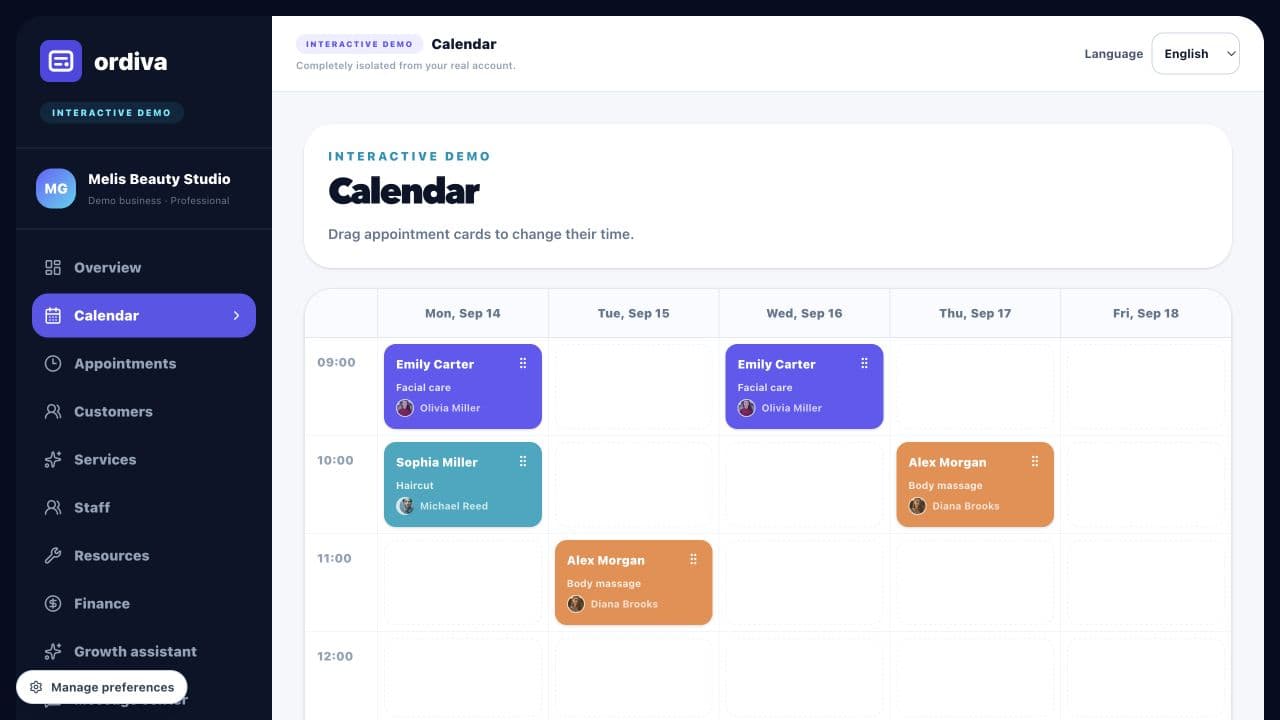
Explore actual Ordiva demo screens using fictional sample data. These are product examples, not customer results or testimonials.