ORDIVA · FOR YOUR BUSINESS
Customer records and appointment history
Keep contact details, operational notes and previous appointments available for the next visit.
Find the existing customer first
Search before creating another profile. Confirm contact details and correct errors. Record only information needed to provide the service.
Prepare for repeat visits
Review previous appointments and relevant notes, then confirm the customer’s current preferences. History helps preparation but does not replace a fresh conversation.
Separate package rights from bookings
A planned appointment is not a completed service. Review remaining package entitlements and transaction status together. Marketing permissions need separate management.
Product examples
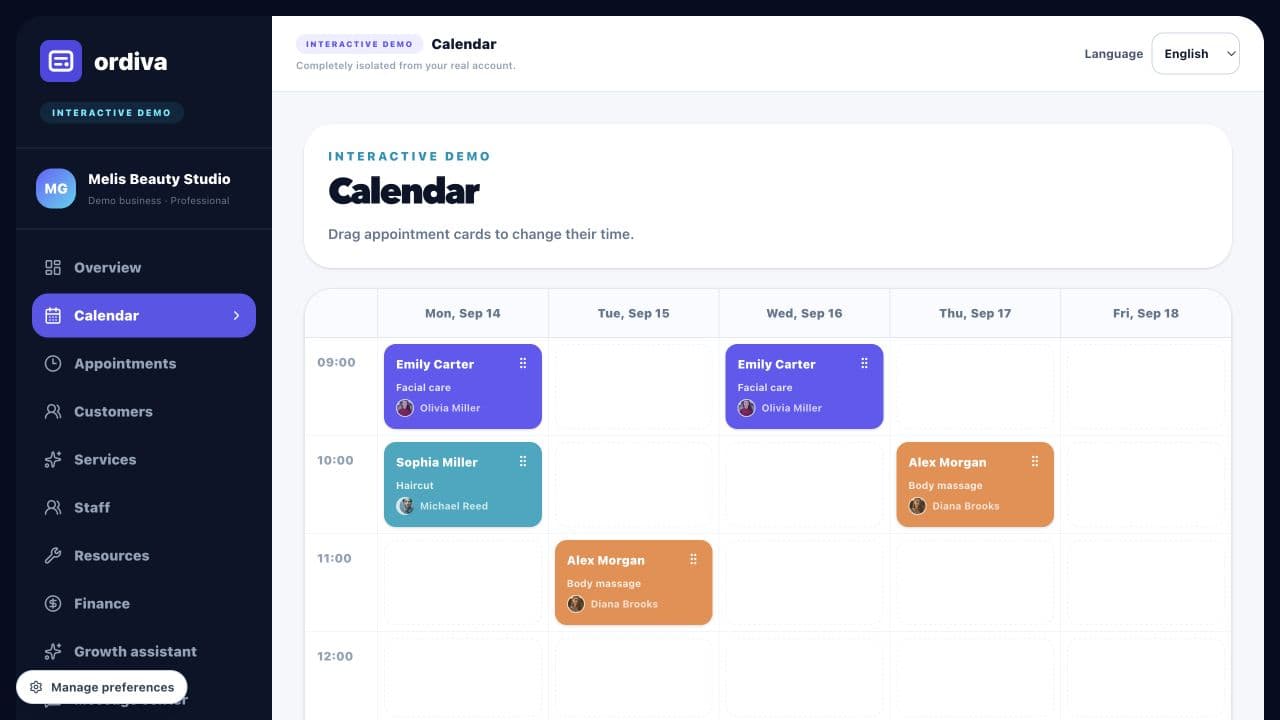
Explore actual Ordiva demo screens using fictional sample data. These are product examples, not customer results or testimonials.